
Captain Tsubasa 2: World Fighters PC Issues
Windows crashes, kernel Easy Anti-Cheat, Steam Deck Unsupported, and the 28 August report thread.
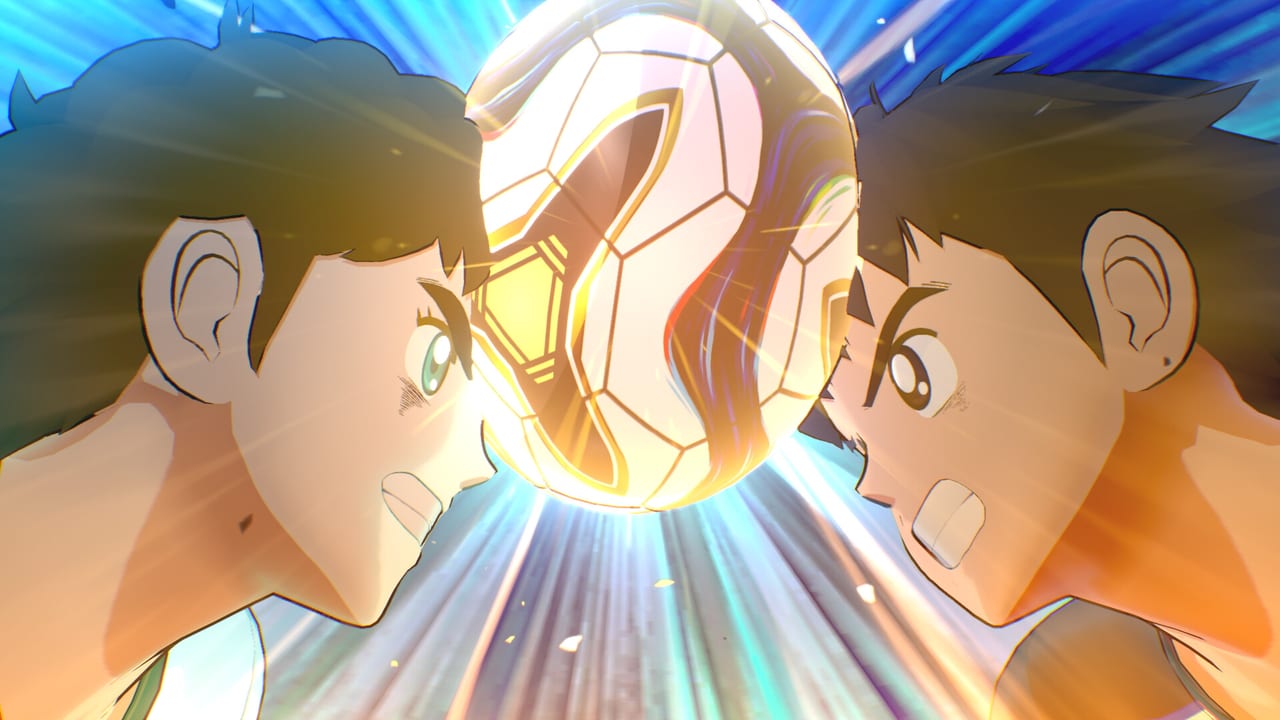
Captain Tsubasa 2: World Fighters launched on Japanese consoles on 27 August 2026 and worldwide, including Steam, on 28 August 2026. This page is the Windows desk: crashes, hangs, Easy Anti-Cheat, and Steam Deck. It is not a patch-note archive and it is not a list of unofficial crash hacks. For the spec table, use system requirements. For launch-week review themes and versus caveats, use launch notes. After the client actually boots, follow getting started.
On 28 August 2026, Bandai Namco posted a Steam News PC Crash Report Thread. The publisher is collecting Windows crash reports. That is the official channel. Watch Steam News and the wiki links page for the live thread and later numbered notes. Do not treat a forum workaround as a patch.
What Bandai asked Windows players to report
The crash thread is a report queue, not a hint list. If the game fails to start, hangs, black-screens, or sticks on a load, Bandai wants the Windows case: hardware, GPU driver version, whether a pad is connected, and what overlay was open. Community posts already mention black-screen boots, resolution bugs, and controllers the game does not see. Those are reports. They are not a license to disable kernel anti-cheat.
File the report in the official thread. Keep a screenshot of the crash dialog. Note whether Easy Anti-Cheat threw its own window before the pitch loaded. Then work the checklist below before you assume the install is cursed.
Checklist: verify, drivers, Windows 11, pad, overlays
Do these in order.
- Verify integrity of game files in Steam. That recopy of the install is also how you reinstall Easy Anti-Cheat without hunting a separate installer. If EAC failed on first boot, verify, then launch again.
- Update GPU drivers from NVIDIA or AMD, then reboot. Super-shot scenes and Balanced mode already dip on recommended cards; stale drivers make a crash look like a Tamsoft bug.
- Run Windows 11. Steam’s minimum row is Windows 11. Recommended notes still mention Windows 10 version 1809 or later for DirectX 12, but the published minimum is Windows 11. If you are on an old 10 build, update before you file a crash.
- Plug in a pad. Steam lists partial controller support and recommends a controller. Xbox-layout pads are the least surprising option. If the game does not see the pad, close Steam Input experiments and try a wired Xbox pad before you remap the keyboard.
- Close overlays. Discord, GeForce overlays, RGB suites, and extra recording hooks sit on top of a kernel anti-cheat title. Close them, then boot. Do not look for a bypass. Do not unload Easy Anti-Cheat. Do not run the game through a compatibility shim that pretends EAC is optional.
If the crash survives that list, verify files again, then report the case in the 28 August thread with hardware and driver versions attached. Refund windows and boxes that never hit spec belong on the system requirements page, not in a crash report that omits the GPU name.
Easy Anti-Cheat, uninstall, and Steam Deck
The Steam build uses Easy Anti-Cheat at kernel level. You accept a third-party EULA on first launch. After you uninstall the game, Steam’s store text says you must remove Easy Anti-Cheat by hand. That step is not optional flavor. Plan for it if you are only sampling the campaign.
Steam Deck compatibility is Unsupported. Launch reports say the anti-cheat blocks Deck and Proton sessions. Buy the PC build for a Windows desktop that meets spec. Buy Switch if you want a handheld SKU. Do not follow guides that claim to run World Fighters on Deck by stripping EAC. Those guides ask you to bypass anti-cheat. This wiki will not.
Kernel EAC is the trade-off for ranked versus on PC. It does not add extra match rules. It does mean overlay tools can fail, and it does mean an Unsupported Deck badge is a real store flag. If verify files will not repair EAC, uninstall, remove the anti-cheat by hand as Steam instructs, reinstall from Steam, accept the EULA, and verify again. That is still not a bypass.
What this page is not
This is not a console ticket queue. PlayStation 5, Xbox Series X|S, and Switch have their own dashboards. Sony’s listing requires PlayStation Plus for online play on PS5; that is a subscription flag, not a Windows crash. PC players should stay on Steam News.
Numbered patches will be summarized from the updates hub when Bandai publishes them. Until then, treat this page as the live Windows caveat: verify files, update drivers, use Windows 11, plug in a pad, close overlays, reinstall EAC through Steam verify, and report crashes in the official 28 August thread. Do not bypass anti-cheat.
Frequently Asked Questions
Quick answers for launch week on PS5, Xbox, Switch, and Steam.
Where is the official Captain Tsubasa 2 PC crash thread?
Bandai Namco posted a Steam News PC Crash Report Thread on 28 August 2026 and is collecting Windows crash reports. Watch Steam News and the wiki links page rather than unofficial workarounds.
How do I reinstall Easy Anti-Cheat?
Verify integrity of game files in Steam. That recopy reinstalls EAC with the game. Do not hunt a separate bypass installer. Specs and the kernel note sit on system requirements.
Does Captain Tsubasa 2 run on Steam Deck?
No. Steam lists Steam Deck as Unsupported. Launch reports say Easy Anti-Cheat blocks Deck and Proton. Buy Switch for a handheld SKU. Do not strip anti-cheat to force Deck.
Do I have to remove Easy Anti-Cheat after uninstall?
Yes. Steam's store text says kernel-level Easy Anti-Cheat requires manual removal after you uninstall. Plan for that extra step on PC.
Should I disable anti-cheat to fix crashes?
No. Close overlays, verify files, update GPU drivers, and run Windows 11. Do not bypass Easy Anti-Cheat. File remaining crashes in Bandai's 28 August thread.
The game finally boots. What should I read next?
Hardware first on system requirements, caveats on launch notes, then the first-hour plan in getting started.