
Captain Tsubasa 2: World Fighters Team Edit Guide
Build dream squads, mix Super Moves across nations, and customize formations for Versus play.
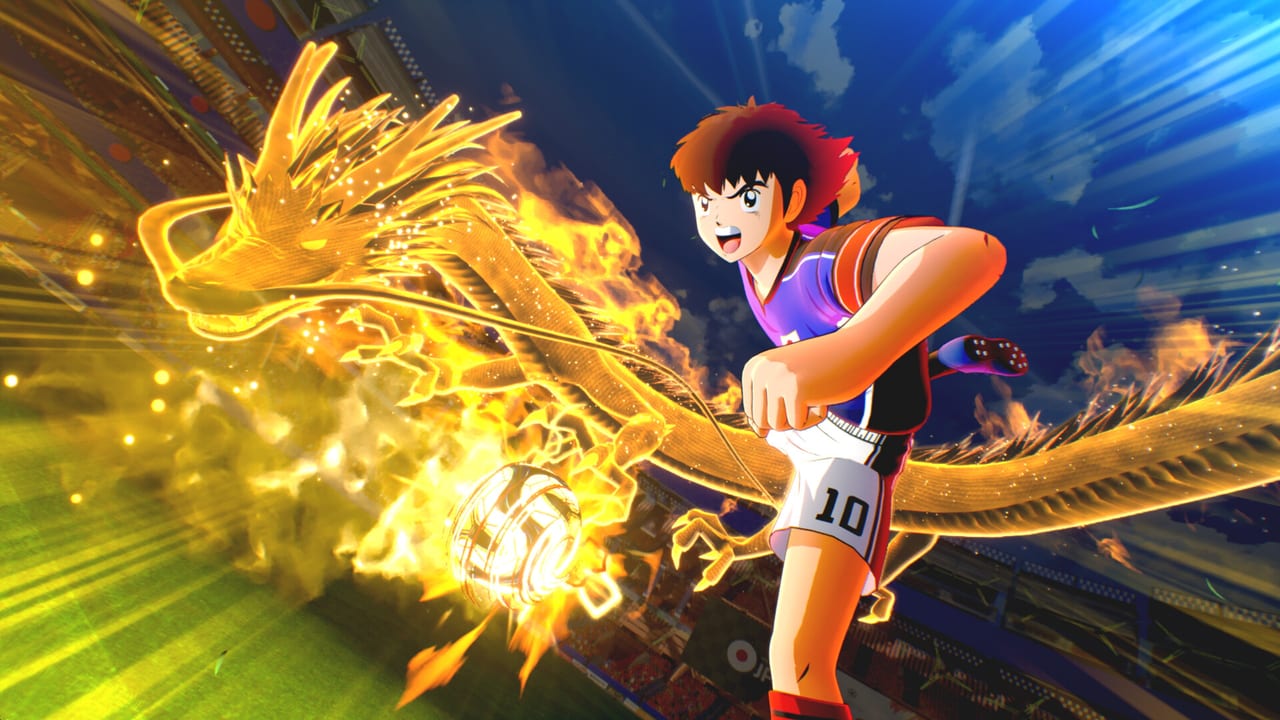
Team Edit is the sandbox mode in Captain Tsubasa 2: World Fighters where you assemble custom squads from the full roster of 22 national teams, over 110 playable characters, and the approximately five club and school sides. The mode is available from the main menu and feeds directly into Versus, Practice, and local split-screen play. Bandai Namco published the game on 27 August 2026 in Japan and 28 August 2026 worldwide, including Steam.
This guide covers the Team Edit interface, how to mix Super Move kits from different nations, formation customization, and the limits of what you can and cannot do with custom squads.
Read this alongside the Game Modes overview, the Players hub for character rosters, and the character tier list for Super Move kit strength rankings.
What Team Edit allows
Team Edit gives you access to the complete unlocked roster. This means:
- Any national team you have unlocked through Story or New Stars progress
- Any character from those teams whose individual player data exists in the game’s files
- Full formation control: you choose starting eleven, bench, formation shape, and tactics
- Super Move kit assignment: you decide which techniques each player uses from their available pool
- Custom player names and kit numbers (cosmetic only, no stat changes)
Team Edit does not allow:
- Unlocking characters or teams that you have not already unlocked in some other mode
- Changing individual character stats
- Creating players who do not already exist in the game’s roster
- Transferring Super Moves that a character does not natively have in their move pool
Building a dream squad
The most common use of Team Edit is assembling a dream squad that could never exist in the manga or the Story mode. The practical steps:
Step 1 — Choose a base team. Every custom squad starts from an existing national team, club side, or school kit. This determines the default formation and the initial player pool.
Step 2 — Replace players from the full roster. After selecting the base team, you can swap any of the eleven starting positions with any character from any unlocked team. This is how you put Tsubasa Ozora and Carlos Santana on the same squad.
Step 3 — Assign Super Move kits. Each character has a pool of techniques they can use. You select which specific Super Moves, Super Passes, Super Tackles, and other techniques each player carries into the match. This is where the mode becomes a strategic sandbox.
Step 4 — Set formation and tactics. Formation shape, defensive line height, offensive orientation, and set piece takers are all customizable. The game saves your custom squad and makes it available in Versus and Practice.
Mixing Super Move kits across nations
The strategic depth of Team Edit comes from combining Super Move kits that never appear together in the Story mode. The combinations that have the most impact:
The complete Japan offense: Tsubasa Ozora’s Drive Shot and Super Pass with Kojiro Hyuga’s Tiger Shoot and Neo Tiger Shot on the same squad. Add Genzo Wakabayashi as keeper and you have Japan’s best offensive and defensive language in one eleven.
Brazil’s finishing kit: Carlos Santana’s Super Shot variety plus Natureza’s Super Dribble and chain-building. The combination creates a squad that can counter-attack through dribbling or finish through aerial shots.
The European hybrid: Karl Heinz Schneider’s Fire Shot (Germany) paired with Stefan Levin’s Levin Shoot (Sweden) and Deuter Muller’s keeper saves (Germany). This mixes two of the game’s hardest shooting threats with elite goalkeeping.
Argentina’s combination game: Juan Diaz’s Super Dribble and Alan Pascal’s link-up play in the same midfield. Both can build chain and both can finish, which makes the midfield the most dangerous part of the pitch.
Formation customization options
Team Edit supports multiple formation shapes. The practical trade-offs:
4-3-3 attacking: Maximizes forward pressure and wing play. Best for squads with fast wingers and complete Super Move kits. Weak against teams that counter through the middle.
4-4-2 balanced: The default for most national teams. Provides cover in midfield and stability defensively. Less explosive than 4-3-3 but harder to exploit.
3-5-2 wing-heavy: Pushes wing-backs high and creates overloads on the flanks. Effective against 4-3-3 but vulnerable to direct play through the center.
5-3-2 defensive: Two dedicated defensive midfielders and three center-backs. Used when your squad has weaker fullbacks or when you are facing an opponent with superior individual Super Move kits.
Team Edit in Versus and ranked play
Custom squads built in Team Edit are eligible for Versus mode, including private matches and online ranked play. The rules are the same as default national team matches:
- The same Chain System applies
- Super Move gauges and keeper duels work identically
- Match length and stamina rules are unchanged
There is no competitive advantage to using a custom squad versus a default national team. The advantage is strategic: you can build a squad that specifically counters your opponent’s formation or exploits their weaker defensive positions.
Limits and things you cannot do
Team Edit respects the unlock boundaries of the rest of the game. You cannot use this mode to access:
- Characters locked behind Story progression you have not completed
- Teams you have not yet unlocked
- Super Moves that a character does not have in their native pool
Season Pass DLC characters (six characters releasing through August 2027) will be added to Team Edit when they release. Check Editions and DLC for the Season Pass schedule.
Tips for building your first custom squad
Start with a complete kit from one nation as your base. Adding a second nation’s best player to fill a weakness is more effective than mixing randomly. A squad of eleven S-tier individual characters with incompatible Super Move kits will lose to a squad of ten A-tier characters with one strong tactical identity.
Use Super Moves to understand which kits complement each other. Use the character tier list to identify which individual characters fill roles your current squad lacks.
Frequently Asked Questions
Quick answers for launch week on PS5, Xbox, Switch, and Steam.
What is Team Edit in Captain Tsubasa 2?
Team Edit is the sandbox mode where you build custom squads from the full roster of 22 national teams and over 110 characters. You control formation, Super Move assignments, and tactics before taking the squad into Versus or Practice.
Can I put any character on my custom squad?
You can use any character you have unlocked through Story or New Stars progress. Characters and teams locked behind progression you have not completed are not available in Team Edit.
Can I mix Super Move kits from different nations?
Yes. Team Edit lets you assign any Super Move from a character's available pool, regardless of which nation they normally belong to. This is the primary strategic depth of the mode.
Can I use my custom squad in online ranked?
Yes. Custom squads are eligible for Versus mode, including private matches and online ranked play. The same rules apply as default national team matches.
Will Season Pass DLC characters appear in Team Edit?
Season Pass characters will be added to Team Edit when they release through August 2027. Check Editions and DLC for the Season Pass schedule.
What is the best formation for a custom squad?
4-4-2 balanced is the safest default. 4-3-3 maximizes attacking potential with complete Super Move kits. 3-5-2 creates wing overloads. 5-3-2 is defensive when facing superior individual kits. Build the formation around your squad's strongest Super Move kits.